
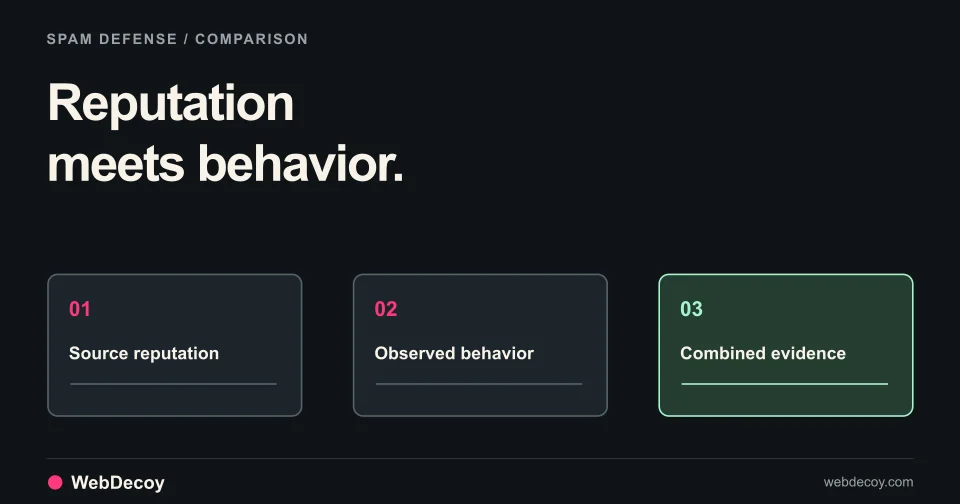
WebDecoy vs CleanTalk: Better Spam Bot Defense
Compare WebDecoy's honeypot detection with CleanTalk's blacklist approach. Learn why behavioral analysis beats reputation lists for spam bot protection.
securityCompare honeypot detection vs CAPTCHA for bot prevention. Learn effectiveness rates, implementation, user experience, and when to use each.
When protecting your website from bots, the choice between honeypots and CAPTCHAs fundamentally determines both security effectiveness and user experience.
This guide compares both approaches, reveals effectiveness data, and shows you when to use each.
| Factor | Honeypot | CAPTCHA |
|---|---|---|
| User Experience | ⭐⭐⭐⭐⭐ Perfect (invisible) | ⭐⭐ Annoying (interrupts flow) |
| Effectiveness | ⭐⭐⭐⭐⭐ 95%+ | ⭐⭐⭐ 80% (AI can solve) |
| False Positives | <0.1% | 1-5% |
| Cost | Free (DIY) | Free-$10k/month |
| Implementation | 30 minutes | 2-4 hours |
| Maintenance | Minimal | Requires updates |
| Performance Impact | None | 100-200ms per challenge |
Bottom Line: Honeypots are superior for most use cases. Use CAPTCHAs only as fallback when honeypots fail.
Honeypots are invisible traps embedded in your website that only bots would interact with.
Example: Invisible Form Field
<form id="contact-form">
  <input type="text" name="email" placeholder="Your email" />
  <textarea name="message"></textarea>

  <!-- This field is invisible to humans -->
  <input type="hidden" name="phone_confirm" style="display:none;" />

  <button type="submit">Send Message</button>
</form>
Server-Side Validation:
// If the invisible field was filled, it's a bot
if (request.body.phone_confirm && request.body.phone_confirm !== '') {
  logger.warn('Bot detected via honeypot');
  // Silently reject or show fake success
  return response.json({ success: true }); // Don't let bot know it failed
}

// Process legitimate submission
processFormSubmission(request.body);
Why It Works:
1. Hidden Form Fields
2. Spider Traps (Fake Links)
<!-- Hidden in HTML source, not visible on page -->
<a href="/infinite-depth-archive/1/2/3/" style="display:none;">Archive</a>3. Decoy Endpoints
Real API: /api/v2/products
Fake API: /api/v1/admin-login (honeypot)
Fake API: /api/v1/credentials (honeypot)4. Comment/Form Validation Honeypots
<!-- Asks for extra field not needed -->
<input type="text" name="fax" style="display:none;" />
<!-- Real users don't fill it; bots do -->CAPTCHA = “Completely Automated Public Turing Test to tell Computers and Humans Apart”
CAPTCHAs are challenges presented to users to prove they’re human.
1. Text-Based CAPTCHA (Outdated)
"Type the 5 characters you see"
[Distorted text image]2. Image Selection CAPTCHA
"Click all images with cars"
[Grid of 9 images]3. Behavioral CAPTCHA (reCAPTCHA v3)
grecaptcha.ready(() => {
  grecaptcha.execute('SITE_KEY', {action: 'homepage'})
    .then(token => {
      // Send token to server
      // Server calls Google to verify
    });
});4. Interactive CAPTCHAs
"Slide the puzzle piece to complete the image"Honeypots:
Text CAPTCHA:
Image CAPTCHA (reCAPTCHA v2):
Behavioral CAPTCHA (reCAPTCHA v3):
User flow:
Visit site → See nothing unusual → Submit form → Done
Time impact: 0 seconds
Friction: None
Abandonment rate: 0%User flow:
Visit site → See CAPTCHA → Solve CAPTCHA → Submit form → Done
Time impact: 10-60 seconds per interaction
Friction: Significant
Abandonment rate: 20-40% (studies show)Real Impact on Conversion:
This is why honeypots dominate for user-facing protection.
✅ Protecting login forms ✅ Protecting contact forms ✅ Protecting comment systems ✅ Protecting checkout pages (don’t want to lose sales!) ✅ Protecting APIs ✅ You want invisible protection (no user friction) ✅ You want zero false positives ✅ You want fast, free implementation
Verdict: Use honeypots for 95% of cases
✅ Honeypot detections are failing ✅ You detect sophisticated bot activity ✅ You’re fighting determined attackers ✅ You need visible proof of bot detection ✅ You want additional verification layer ✅ You have high-value targets (payment processing) ✅ Your audience expects security verification
Verdict: Use as secondary layer, not primary
1. Deploy honeypots (invisible, zero friction)
   ↓
2. If honeypot fails → Show CAPTCHA
   ↓
3. If CAPTCHA fails → Block request
Result: 95%+ effectiveness, <0.1% impact on legitimate users
Step 1: Add invisible field to form
<form id="contact-form" method="POST">
  <input type="email" name="email" placeholder="Email" required />
  <textarea name="message" placeholder="Message" required></textarea>

  <!-- Honeypot field - invisible -->
  <input type="text" name="website" style="display:none;" aria-hidden="true" />

  <button type="submit">Send</button>
</form>
Step 2: Server-side validation
app.post('/submit-form', (req, res) => {
  // If honeypot field has value, it's a bot
  if (req.body.website && req.body.website.trim() !== '') {
    logger.warn('Bot detected via honeypot', {
      ip: req.ip,
      timestamp: new Date(),
    });
    // Send fake success to confuse bot
    return res.json({ success: true });
  }

  // Process legitimate form
  saveFormSubmission(req.body);
  res.json({ success: true });
});
Step 3: Log and monitor
// Track honeypot hits for analysis
if (honeypotTriggered) {
  db.log({
    type: 'honeypot_hit',
    ip: req.ip,
    userAgent: req.headers['user-agent'],
    timestamp: new Date(),
    formType: 'contact',
  });
}
Cost: $0 Time: 30 minutes Effectiveness: 85-95%
Step 1: Choose provider
Step 2: Google reCAPTCHA v3 setup
<!-- Include reCAPTCHA script -->
<script src="https://www.google.com/recaptcha/api.js"></script>

<!-- Add to form -->
<form id="contact-form">
  <input type="email" name="email" />
  <textarea name="message"></textarea>
  <button type="submit">Send</button>
</form>

<script>
document.getElementById('contact-form').addEventListener('submit', (e) => {
  e.preventDefault();

  grecaptcha.ready(() => {
    grecaptcha.execute('YOUR_SITE_KEY', { action: 'submit' })
      .then(token => {
        // Add token to form
        const input = document.createElement('input');
        input.type = 'hidden';
        input.name = 'g-recaptcha-response';
        input.value = token;
        document.getElementById('contact-form').appendChild(input);

        // Submit form
        document.getElementById('contact-form').submit();
      });
  });
});
</script>
Step 3: Server-side verification
const axios = require('axios');

app.post('/submit-form', async (req, res) => {
  // Verify CAPTCHA token
  const token = req.body['g-recaptcha-response'];

  try {
    const response = await axios.post(
      'https://www.google.com/recaptcha/api/siteverify',
      null,
      {
        params: {
          secret: process.env.RECAPTCHA_SECRET,
          response: token,
        },
      }
    );

    // Check score (v3)
    if (response.data.score < 0.5) {
      logger.warn('CAPTCHA score too low', { score: response.data.score });
      return res.status(403).json({ error: 'Verification failed' });
    }

    // Process form
    processFormSubmission(req.body);
    res.json({ success: true });
  } catch (err) {
    logger.error('CAPTCHA verification error', err);
    res.status(500).json({ error: 'Server error' });
  }
});
Cost: Free (Google reCAPTCHA) Time: 2-4 hours (including setup, integration, testing) Effectiveness: 90-95%
Accessibility: ✅ Perfect
Accessibility: ❌ Poor
Accessibility: ❌ Very Poor
Accessibility: ✅ Good
Data Privacy: ✅ Excellent
Data Privacy: ⚠️ Concerns
Better Alternative: hCaptcha
Development: 1-2 hours = $50-100 (if outsourced)
Maintenance: ~0 hours/month
Server cost: $0
Third-party cost: $0
Total: ~$100 one-timeDevelopment: 2-4 hours = $200-400 (if outsourced)
Free tier: Up to 1,000,000 requests/month
Premium tier: $0.50 per 1,000 requests (typical)
For 100,000 requests/month:
$0.50 × 100 = $50/monthTypical pricing: $5,000-50,000+/year
Plus integration costs: $2,000-10,000
Total: $7,000-60,000/year// Track form load time
const formLoadTime = Date.now();
form.addEventListener('submit', (e) => {
const submissionTime = Date.now();
const timeToSubmit = submissionTime - formLoadTime;
// Humans typically wait 5+ seconds
// Bots submit in < 2 seconds
if (timeToSubmit < 2000) {
logger.warn('Bot detected: too fast submission');
return false;
}
});// Bots often don't interact naturally with forms
let fieldInteractions = 0;
form.addEventListener('focus', () => fieldInteractions++);
form.addEventListener('blur', () => fieldInteractions++);
form.addEventListener('submit', (e) => {
// Humans interact with fields (focus/blur)
// Bots just fill and submit
if (fieldInteractions < 2) {
logger.warn('Bot detected: no field interactions');
return false;
}
});// Generate unique token per form instance
const token = generateToken();
form.innerHTML += `<input type="hidden" name="form_token" value="${token}">`;
// On submit, verify token hasn't been reused
const previousTokens = getUsedTokens();
if (previousTokens.includes(token)) {
logger.warn('Bot detected: token reuse');
return false;
}User submits form
↓
Check honeypot fields → Honeypot hit? YES → Block (bot confirmed)
↓ NO
Check interaction patterns → Suspicious? YES → Show CAPTCHA
↓ NO
Check submission time → Too fast? YES → Show CAPTCHA
↓ NO
Allow submissionResult:
Answer: Theoretically yes. A bot specifically coded to avoid your honeypots could bypass them. In practice:
Answer: Honeypots are great but:
Answer: Free up to 1,000,000 requests/month. After that, $0.50 per 1,000 additional requests. For most websites, this remains free.
Answer:
Answer: No. Hidden form fields don’t affect SEO if:
For most websites: Honeypots first, CAPTCHA second.
Honeypots provide:
Reserve CAPTCHAs for:
The future of bot defense is invisible, layered, and human-centric, honeypots lead the way.
Ready to implement honeypot protection?
Compare WebDecoy's honeypot detection with CleanTalk's blacklist approach. Learn why behavioral analysis beats reputation lists for spam bot protection.
security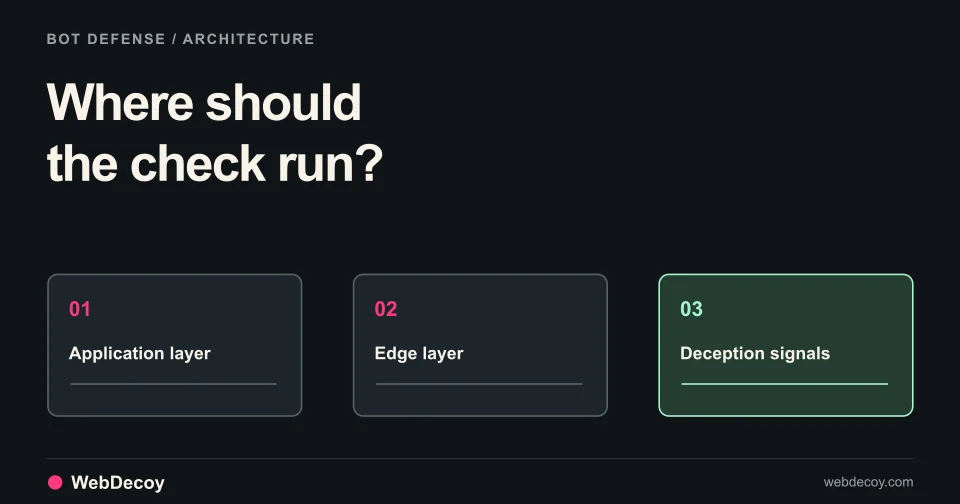
Why Arcjet's SDK-based protection falls short and how WebDecoy's network-layer honeypot detection is more effective.
security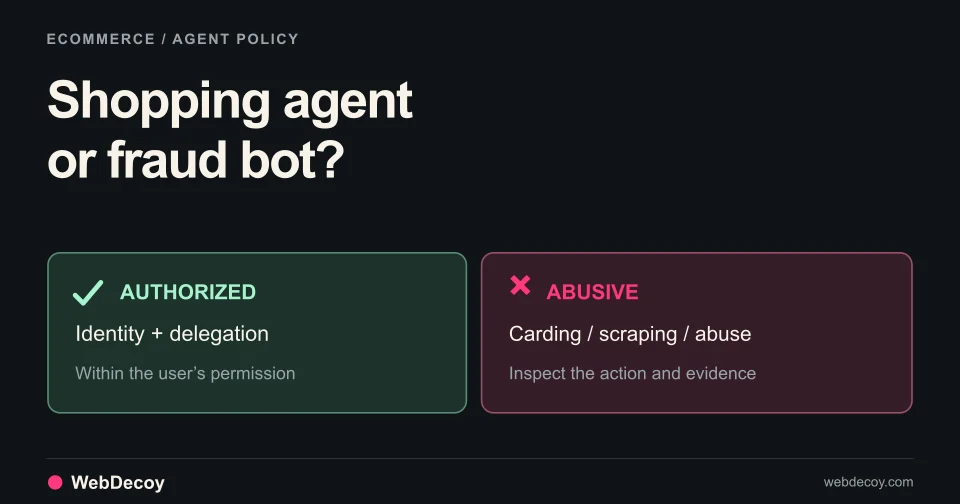
A merchant's guide to authorized AI shopping agents, checkout delegation, inventory scraping, carding, coupon abuse, and fake agent identities.
securityLike this post? Share it with your friends!
Get a personalized demo from our team.