
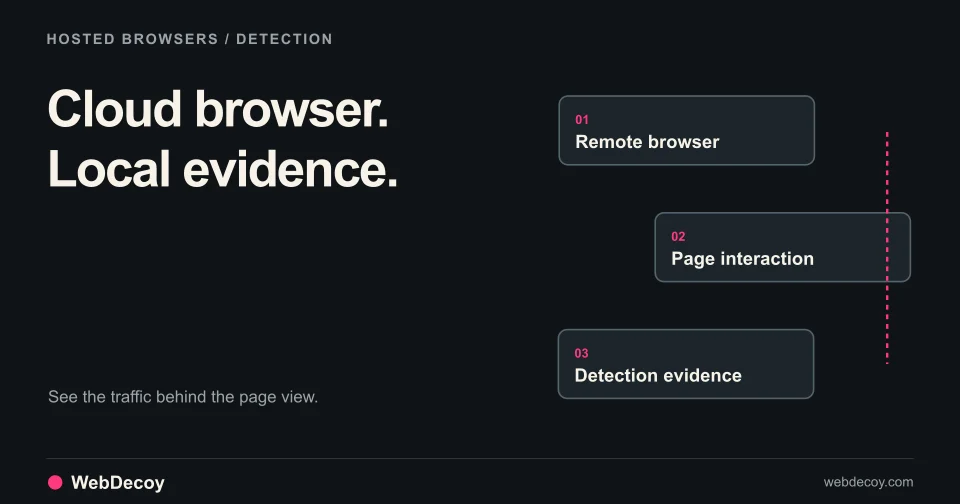
How to Detect Browser-as-a-Service Scrapers in 2025
Technical guide to detecting Browserbase, Skyvern, and stealth AI agents. TLS fingerprinting, behavioral analysis, and honeypots beat evasion tactics.
bot-detectionDetect headless browsers with JavaScript challenges, WebGL fingerprinting, and behavioral analysis. Stop Playwright, Puppeteer, and Selenium automation.
The bot detection arms race has evolved. Simple user-agent checks and IP blocklists don’t work anymore. Modern attackers use headless browsers: automated browser instances that execute JavaScript, render pages, and mimic human behavior.
Playwright, Puppeteer, and Selenium are the weapons of choice. They can bypass CAPTCHAs, defeat fingerprinting, and automate attacks at scale. Worse, stealth plugins make them nearly indistinguishable from real browsers.
This guide covers the techniques that actually work for detecting headless browsers in 2025.
A headless browser is a web browser without a graphical user interface. It runs programmatically, executing JavaScript and rendering pages just like a regular browser. But controlled by automation scripts instead of a human.
Common headless browser tools:
| Tool | Language | Browser Engine | Popularity |
|---|---|---|---|
| Playwright | JS/Python/C# | Chromium, Firefox, WebKit | Growing fast |
| Puppeteer | JavaScript | Chromium | Very high |
| Selenium | Multiple | Chrome, Firefox, Edge, Safari | Highest |
| Cypress | JavaScript | Chromium | Testing-focused |
| Playwright for Python | Python | Chromium, Firefox, WebKit | Growing |
Traditional HTTP-based bots are easy to detect: they don’t execute JavaScript, load assets, or maintain sessions properly. Headless browsers solve these problems:
The result: Headless browsers look nearly identical to real browsers at the protocol level.
Basic headless detection got harder with stealth plugins:
These plugins modify browser properties to match real browsers, hide automation indicators, and spoof fingerprints.
But they’re not perfect. Let’s explore what still works.
Headless browsers expose themselves through subtle differences in the navigator object.
webdriver property:
The most basic check, automation tools set navigator.webdriver = true:
if (navigator.webdriver === true) {
  // Definitely automation
  flagAsBot();
}
Stealth bypass: Most stealth plugins delete this property. But the deletion itself can be detected:
// Check if webdriver was deleted (not naturally absent)
const hasWebdriver = 'webdriver' in navigator;
const webdriverValue = navigator.webdriver;

if (hasWebdriver && webdriverValue === undefined) {
  // Property exists but was set to undefined (stealth plugin)
  flagAsSuspicious();
}
plugins and mimeTypes:
Real browsers have plugins (PDF viewer, etc.). Headless browsers often have empty or inconsistent plugin lists:
const plugins = navigator.plugins;
const mimeTypes = navigator.mimeTypes;

if (plugins.length === 0 || mimeTypes.length === 0) {
  flagAsSuspicious();
}

// Check for realistic plugin patterns
const hasChromePDF = Array.from(plugins).some(p =>
  p.name.includes('Chrome PDF')
);
if (!hasChromePDF && navigator.userAgent.includes('Chrome')) {
  flagAsSuspicious();
}
languages consistency:
Check that language settings are consistent:
const languages = navigator.languages;
const language = navigator.language;

if (!languages || languages.length === 0) {
  flagAsSuspicious();
}

if (languages[0] !== language) {
  flagAsSuspicious();
}Real Chrome browsers expose a window.chrome object with specific properties.
// Check for chrome object
if (!window.chrome) {
  flagAsSuspicious();
}

// Check for chrome.runtime (present in real Chrome)
if (!window.chrome.runtime) {
  flagAsSuspicious();
}

// Check for chrome.csi (Chrome-specific timing)
if (typeof window.chrome.csi !== 'function') {
  flagAsSuspicious();
}

// Check for chrome.loadTimes (deprecated but still present)
if (typeof window.chrome.loadTimes !== 'function') {
  flagAsSuspicious();
}
Stealth bypass: Plugins mock the chrome object, but often imperfectly:
// Deep inspection of chrome object
const chromeKeys = Object.keys(window.chrome || {});
const expectedKeys = ['app', 'csi', 'loadTimes', 'runtime'];

const missingKeys = expectedKeys.filter(k => !chromeKeys.includes(k));
if (missingKeys.length > 2) {
  flagAsSuspicious();
}Real browsers have consistent permission states. Headless browsers often don’t:
async function checkPermissions() {
  try {
    const notificationPermission = await navigator.permissions.query({
      name: 'notifications'
    });

    // In headless mode, this often returns unexpected values
    // or throws errors that wouldn't occur in real browsers

    if (notificationPermission.state === 'denied' &&
        Notification.permission === 'default') {
      flagAsSuspicious();
    }
  } catch (e) {
    // Permission query failures can indicate headless mode
    flagAsSuspicious();
  }
}WebGL rendering reveals GPU information that’s hard to fake.
function getWebGLInfo() {
  const canvas = document.createElement('canvas');
  const gl = canvas.getContext('webgl') || canvas.getContext('experimental-webgl');

  if (!gl) {
    return { suspicious: true, reason: 'No WebGL support' };
  }

  const debugInfo = gl.getExtension('WEBGL_debug_renderer_info');

  if (!debugInfo) {
    return { suspicious: true, reason: 'No debug info extension' };
  }

  const vendor = gl.getParameter(debugInfo.UNMASKED_VENDOR_WEBGL);
  const renderer = gl.getParameter(debugInfo.UNMASKED_RENDERER_WEBGL);

  // Headless browsers often have suspicious renderer strings
  const suspiciousRenderers = [
    'SwiftShader',
    'llvmpipe',
    'Software Rasterizer',
    'Google SwiftShader'
  ];

  if (suspiciousRenderers.some(r => renderer.includes(r))) {
    return { suspicious: true, reason: 'Software renderer detected' };
  }

  return { suspicious: false, vendor, renderer };
}
Why this works: Headless Chrome uses SwiftShader for WebGL rendering. Real browsers use the actual GPU. This is very hard to spoof without a real GPU.
Canvas rendering produces unique outputs based on hardware and software. Headless browsers produce distinctive patterns:
function getCanvasFingerprint() {
  const canvas = document.createElement('canvas');
  canvas.width = 200;
  canvas.height = 50;
  const ctx = canvas.getContext('2d');

  // Draw text with specific font
  ctx.textBaseline = 'top';
  ctx.font = '14px Arial';
  ctx.fillStyle = '#f60';
  ctx.fillRect(125, 1, 62, 20);
  ctx.fillStyle = '#069';
  ctx.fillText('Cwm fjordbank glyphs vext quiz', 2, 15);
  ctx.fillStyle = 'rgba(102, 204, 0, 0.7)';
  ctx.fillText('Cwm fjordbank glyphs vext quiz', 4, 17);

  // Get data URL
  const dataURL = canvas.toDataURL();

  // Hash the result
  return hashString(dataURL);
}

// Compare against known headless fingerprints
const knownHeadlessFingerprints = [
  'abc123...', // Headless Chrome Linux
  'def456...', // Headless Chrome Windows
  // etc.
];

const fingerprint = getCanvasFingerprint();
if (knownHeadlessFingerprints.includes(fingerprint)) {
  flagAsBot();
}AudioContext processing produces hardware-dependent outputs:
function getAudioFingerprint() {
  return new Promise((resolve) => {
    const audioContext = new (window.AudioContext || window.webkitAudioContext)();
    const oscillator = audioContext.createOscillator();
    const analyser = audioContext.createAnalyser();
    const gainNode = audioContext.createGain();
    const scriptProcessor = audioContext.createScriptProcessor(4096, 1, 1);

    oscillator.type = 'triangle';
    oscillator.frequency.setValueAtTime(10000, audioContext.currentTime);

    gainNode.gain.setValueAtTime(0, audioContext.currentTime);

    oscillator.connect(analyser);
    analyser.connect(scriptProcessor);
    scriptProcessor.connect(gainNode);
    gainNode.connect(audioContext.destination);

    oscillator.start(0);

    scriptProcessor.onaudioprocess = function(event) {
      const output = event.inputBuffer.getChannelData(0);
      const fingerprint = output.slice(4500, 5000).reduce((a, b) => a + b, 0);

      oscillator.disconnect();
      scriptProcessor.disconnect();
      analyser.disconnect();
      gainNode.disconnect();

      resolve(fingerprint);
    };
  });
}
Detection logic: Headless browsers produce consistent, artificial audio fingerprints. Real browsers vary based on hardware.
Human behavior has natural variability. Automation is consistent:
class BehaviorAnalyzer {
  constructor() {
    this.events = [];
  }

  trackMouseMove(event) {
    this.events.push({
      type: 'mousemove',
      x: event.clientX,
      y: event.clientY,
      timestamp: Date.now()
    });
  }

  trackClick(event) {
    this.events.push({
      type: 'click',
      x: event.clientX,
      y: event.clientY,
      timestamp: Date.now()
    });
  }

  analyze() {
    // Check for perfectly straight mouse movements
    const moves = this.events.filter(e => e.type === 'mousemove');
    const straightLineScore = this.calculateStraightness(moves);

    // Check for inhuman timing precision
    const timings = moves.map((e, i) =>
      i > 0 ? e.timestamp - moves[i-1].timestamp : 0
    ).slice(1);

    const timingVariance = this.calculateVariance(timings);

    // Bots have very low variance (consistent timing)
    // Humans have high variance (natural pauses, acceleration)

    if (timingVariance < 10) { // Suspiciously consistent
      return { suspicious: true, reason: 'Inhuman timing consistency' };
    }

    if (straightLineScore > 0.95) { // Too straight
      return { suspicious: true, reason: 'Unnatural mouse movement' };
    }

    return { suspicious: false };
  }
}Some objects only exist in headless mode:
// Check for Playwright-specific objects
if (window.__playwright || window.__pw_manual) {
  flagAsBot();
}

// Check for Puppeteer-specific objects
if (window.__puppeteer_evaluation_script__) {
  flagAsBot();
}

// Check for Selenium-specific objects
if (window.document.$cdc_asdjflasutopfhvcZLmcfl_ ||
    window.document.$chrome_asyncScriptInfo) {
  flagAsBot();
}

// Check for generic automation
if (window.callPhantom || window._phantom) {
  flagAsBot();
}
Note: Stealth plugins remove most of these, but checking is still worthwhile for unsophisticated attackers.
Headless browsers have unusual screen configurations:
function analyzeScreen() {
  const suspicious = [];

  // Check for zero screen dimensions
  if (screen.width === 0 || screen.height === 0) {
    suspicious.push('Zero screen dimensions');
  }

  // Check for mismatched dimensions
  if (window.outerWidth === 0 || window.outerHeight === 0) {
    suspicious.push('Zero outer dimensions');
  }

  // Check for unusual color depth
  if (screen.colorDepth < 24) {
    suspicious.push('Low color depth');
  }

  // Check availWidth vs width (should have taskbar/dock difference)
  if (screen.availWidth === screen.width &&
      screen.availHeight === screen.height) {
    suspicious.push('No taskbar detected');
  }

  // Check for devicePixelRatio
  if (window.devicePixelRatio === 0) {
    suspicious.push('Zero device pixel ratio');
  }

  return suspicious;
}Real browsers have system fonts installed. Headless browsers often have minimal font sets:
function detectFonts() {
  const testFonts = [
    'Arial', 'Verdana', 'Times New Roman', 'Georgia',
    'Comic Sans MS', 'Impact', 'Trebuchet MS',
    'Segoe UI', 'Helvetica Neue', 'Lucida Grande'
  ];

  const baseFonts = ['monospace', 'sans-serif', 'serif'];
  const testString = 'mmmmmmmmmmlli';
  const testSize = '72px';

  const canvas = document.createElement('canvas');
  const ctx = canvas.getContext('2d');

  function getWidth(font) {
    ctx.font = `${testSize} ${font}`;
    return ctx.measureText(testString).width;
  }

  const baseWidths = {};
  baseFonts.forEach(font => {
    baseWidths[font] = getWidth(font);
  });

  const detectedFonts = testFonts.filter(font => {
    return baseFonts.some(baseFont => {
      return getWidth(`${font}, ${baseFont}`) !== baseWidths[baseFont];
    });
  });

  // Headless browsers typically have fewer fonts
  if (detectedFonts.length < 5) {
    return { suspicious: true, fonts: detectedFonts };
  }

  return { suspicious: false, fonts: detectedFonts };
}Client-side detection can be bypassed. Combine it with server-side analysis.
The TLS handshake reveals the true client identity:
Client claims: Chrome 120
TLS fingerprint: Node.js/Puppeteer

Verdict: Spoofed user agent
WebDecoy’s TLS fingerprinting catches this automatically.
Headless browsers often have incomplete or inconsistent headers:
def analyze_headers(headers):
    suspicious = []

    # Check for Accept-Language
    if 'accept-language' not in headers:
        suspicious.append('Missing Accept-Language')

    # Check for Sec-CH-UA (Client Hints)
    if headers.get('user-agent', '').includes('Chrome') and \
       'sec-ch-ua' not in headers:
        suspicious.append('Missing Client Hints for Chrome')

    # Check header order (browsers have consistent order)
    expected_order = ['host', 'connection', 'sec-ch-ua', 'user-agent']
    actual_order = list(headers.keys())[:4]
    if actual_order != expected_order:
        suspicious.append('Unusual header order')

return suspiciousTrack behavior across the session:
The most reliable technique: invisible interactions that only bots trigger.
<a href="/admin-panel-backup"
   style="position:absolute;left:-10000px;top:-10000px;"
   aria-hidden="true">
  Admin Panel
</a>
Headless browsers parsing HTML will find and potentially follow this link. Humans never see it.
<form action="/submit">
  <input type="text" name="email" />
  <input type="text" name="name" />

  <!-- Honeypot field - hidden from humans -->
  <div style="position:absolute;left:-9999px;">
    <input type="text" name="website" tabindex="-1" autocomplete="off" />
  </div>

  <button type="submit">Submit</button>
</form>
If website is filled, it’s a bot.
const formLoadTime = Date.now();

form.addEventListener('submit', (e) => {
  const submitTime = Date.now();
  const elapsed = submitTime - formLoadTime;

  // Humans take at least a few seconds to fill forms
  if (elapsed < 2000) {
    e.preventDefault();
    flagAsBot();
  }
});
Learn more in our endpoint decoys guide.
Don’t block on a single signal. Combine multiple indicators:
class HeadlessDetector {
  constructor() {
    this.score = 0;
    this.signals = [];
  }

  addSignal(name, weight, detected) {
    if (detected) {
      this.score += weight;
      this.signals.push(name);
    }
  }

  async analyze() {
    // Navigator checks
    this.addSignal('webdriver', 30, navigator.webdriver === true);
    this.addSignal('plugins_empty', 15, navigator.plugins.length === 0);

    // Chrome object checks
    this.addSignal('chrome_missing', 20, !window.chrome);
    this.addSignal('chrome_runtime_missing', 15,
      window.chrome && !window.chrome.runtime);

    // WebGL checks
    const webgl = getWebGLInfo();
    this.addSignal('software_renderer', 25, webgl.suspicious);

    // Screen checks
    const screenIssues = analyzeScreen();
    this.addSignal('screen_anomalies', 20, screenIssues.length > 0);

    // Font checks
    const fonts = detectFonts();
    this.addSignal('limited_fonts', 15, fonts.suspicious);

    // Automation objects
    this.addSignal('playwright_detected', 50, !!window.__playwright);
    this.addSignal('puppeteer_detected', 50,
      !!window.__puppeteer_evaluation_script__);

    return {
      score: this.score,
      isBot: this.score >= 50,
      signals: this.signals
    };
  }
}

// Usage
const detector = new HeadlessDetector();
const result = await detector.analyze();

if (result.isBot) {
  // Block or challenge
  console.log('Bot detected:', result.signals);
}Don’t block immediately. Use progressive challenges:
This approach catches bots while minimizing false positives for legitimate users.
The arms race continues. Stealth plugins evolve, and so must detection.
No single technique is foolproof. Combine:
Train models on known bot vs human sessions:
Headless browser detection in 2025 requires sophistication. The old tricks don’t work against Playwright with stealth plugins. You need multiple detection layers working together.
Key takeaways:
WebDecoy provides comprehensive headless browser detection:
Don’t let headless browsers win. Implement layered detection and stay ahead of the automation arms race.
Need help implementing headless browser detection? Contact our team or explore WebDecoy features.
Technical guide to detecting Browserbase, Skyvern, and stealth AI agents. TLS fingerprinting, behavioral analysis, and honeypots beat evasion tactics.
bot-detection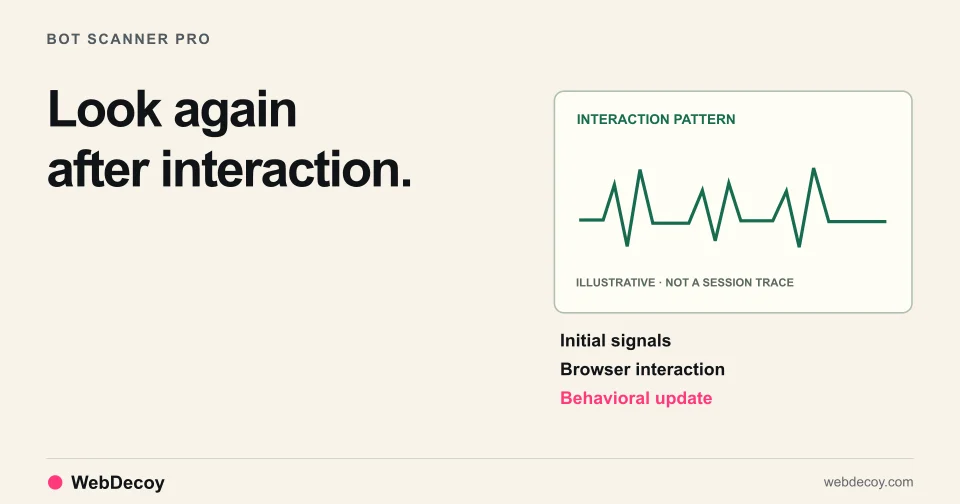
Bot Scanner Pro detects Stagehand, Browserbase, and Playwright with stealth plugins using behavioral analysis, deep fingerprinting, and two-phase detection.
bot-detection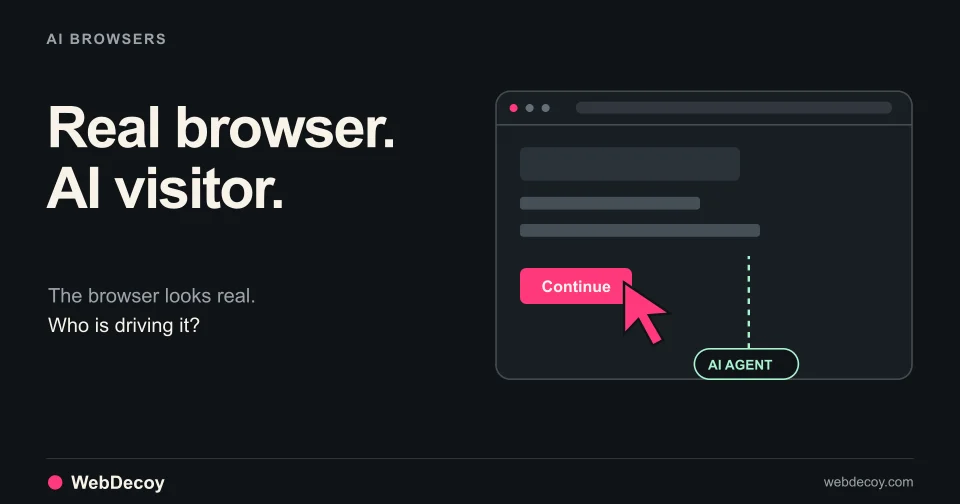
Cloud-hosted AI agents reach forms and signup flows in full browsers. What the latest traffic research means for bot detection on your site.
bot-detectionLike this post? Share it with your friends!
Get a personalized demo from our team.