
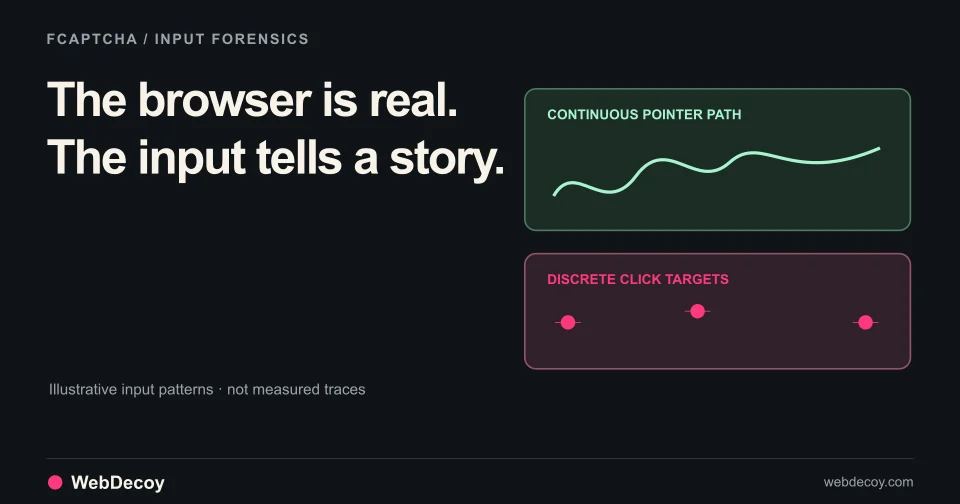
FCaptcha v1.12: Catch AI Agents in Real Browsers
How FCaptcha v1.11 and v1.12 detect AI agents that drive real browsers, using CDP input forensics, think-time cadence, and declared-agent matching.
bot-detectionHow JA3 and JA4 TLS fingerprints identify bots, where each can be measured, and what the WebDecoy Node.js SDK does with TLS data today.
Published · Updated
Editor’s note (updated 2026-09-29): This post originally announced our SDKs in November 2025. It has been rewritten to reflect the SDK as it ships today. Some things announced then never shipped (there is no Go SDK, and the PHP code is distributed as the WordPress plugin and the
webdecoy/sensorpackage, not awebdecoy/wordpress-pluginComposer package), and several configuration options shown in the original do not exist. Everything below matches the current@webdecoy/nodepackages.
This post covers the WebDecoy Node.js SDK, explains what TLS fingerprinting is, walks through JA3 and JA4, and is straight about where each fingerprint can actually be measured, which matters more than any algorithm.
The SDK is a family of npm packages:
| Package | What it is |
|---|---|
@webdecoy/node | The core: protect(), the local rules engine (rate limits, filters, tripwires, bot rules, Web Bot Auth), agent verification, and a self-hosted proof-of-work captcha |
@webdecoy/express | Express middleware |
@webdecoy/fastify | Fastify plugin |
@webdecoy/nextjs | Next.js middleware |
@webdecoy/hono | Hono middleware (a thin wrapper over the fetch guard) |
@webdecoy/client | The browser-side counterpart |
All of it is TypeScript with bundled type definitions. The framework adapters default to monitor mode: detections are recorded and reported, and requests are served normally until you set mode: 'enforce'.
On WordPress: WebDecoy ships a WordPress plugin with its PHP bundled inside. For WordPress and WooCommerce, the plugin is the supported route.
TLS fingerprinting identifies clients by the characteristics of their TLS handshake: the ClientHello message a client sends when it opens an HTTPS connection.
A ClientHello advertises:
Real browsers like Chrome, Firefox, and Safari send very specific combinations. HTTP libraries such as curl, wget, python-requests, and Go’s net/http send different ones. And unlike a User-Agent header, whoever writes the User-Agent string has no say in the ClientHello: it comes from the TLS library.
Traditional bot detection relies on:
TLS fingerprinting looks at a lower layer. It is not unforgeable (tools like uTLS and curl-impersonate exist precisely to copy browser handshakes), but it raises the cost of passing as a browser considerably.
JA3 is a method for creating TLS fingerprints published by Salesforce in 2017.
JA3 builds a string from the ClientHello:
Values within a field are joined with hyphens, fields with commas, and the result is MD5 hashed:
771,4866-4865-4867,0-11-10-35-23,29-23-24,0↓ MD5 ↓
a 32-character hex hashuTLS can reproduce a browser’s ClientHelloThis is where JA4 comes in.
JA4, released by FoxIO in 2023, is also computed from the TLS ClientHello, but it is designed to survive the problems above:
t13d1516h2_8daaf6152771_b0da82dd1658, where the first section encodes protocol, TLS version, SNI presence, cipher and extension counts, and the first ALPN value, and the other two are truncated hashes of the sorted ciphers and of the extensions plus signature algorithmsJA4 is part of a larger JA4+ family that also fingerprints servers, HTTP requests, certificates, and TCP. WebDecoy uses JA3 and JA4 (the TLS client fingerprints); it does not compute the other JA4+ fingerprints.
Here is the part the original version of this post got wrong: a fingerprint can only be computed by whatever terminates the TLS connection, because that is the only place the raw ClientHello exists.
For most Node.js apps, that is not Node. A CDN, load balancer, or reverse proxy terminates TLS and forwards plain HTTP. And even when Node terminates TLS itself, its tls module does not expose the client’s offered cipher list or extensions, so a JA3 or JA4 cannot be computed from a standard TLSSocket.
So in the WebDecoy stack, fingerprints come from the layers that can see the handshake:
With that constraint in mind, here is exactly what the SDK does:
RequestMetadata has an optional tls_info field. If your stack can capture ClientHello parameters (for example, a TLS-terminating proxy you control that passes them along), you can hand them to protect(). With enableTLSFingerprinting on (the default), a request carrying tls_info is always sent to the WebDecoy service, which computes a JA3 hash from it, checks it against its known-bot fingerprint table, and compares it with the User-Agent for a browser mismatch.
import { WebDecoy } from '@webdecoy/node';

const webdecoy = new WebDecoy({ apiKey: process.env.WEBDECOY_API_KEY });

const decision = await webdecoy.protect({
  method: 'GET',
  path: '/api/products',
  ip: clientIp,
  user_agent: userAgent,
  headers,                      // Record<string, string>
  timestamp: Date.now(),
  tls_info: {
    version: 771,               // 0x0303, TLS 1.2 record version
    cipher_suites: [4865, 4866, 4867, 49195, 49199],
    extensions: [0, 23, 65281, 10, 11, 35, 16],
    supported_groups: [29, 23, 24],
    ec_point_formats: [0],
  },
});

if (!decision.allowed) {
  // blocked verdict
}
The service computes JA3 only on this path, not JA4: JA4 needs the raw ClientHello, and reconstructed parameters are not enough to produce a spec-compliant value. If you have no ClientHello data, leave tls_info out; the SDK works fine without it.
The in-process Captcha (and the framework captcha endpoints built on it) accepts a client-supplied ja3Hash and matches it against a small built-in table: Python requests, Python urllib, Go net/http, curl, Wget, Java HttpClient, Node.js axios, Node.js node-fetch, and Puppeteer’s default. JA3 supplied by the client is spoofable, and the code treats it that way.
For JA4, the captcha has a trustedJA4Headers option: the names of headers your own reverse proxy sets with the JA4 it computed. The SDK only reads JA4 from headers you name, because a header any client can set proves nothing. Be aware that the SDK ships no built-in JA4 table, so today a forwarded JA4 is read but does not change the in-process score. Comprehensive fingerprint matching happens server side.
When a request is sent to the WebDecoy service, fingerprint matching, enrichment (AbuseIPDB, GeoIP, VPN/proxy/datacenter detection), and scoring happen there, and the verdict comes back to protect(). The detection shows up in your dashboard with the signals that produced it.
npm install @webdecoy/express @webdecoy/nodeimport express from 'express';
import { webdecoy } from '@webdecoy/express';
const app = express();
app.use(webdecoy({
apiKey: process.env.WEBDECOY_API_KEY,
// mode defaults to 'monitor': detect and report, serve the request.
// Switch to 'enforce' once you've reviewed what it would block.
}));Verify the install with the reserved test User-Agent, which always produces a labeled Test detection:
curl -A "WebDecoy-Test/1.0" http://localhost:3000/For other frameworks, install @webdecoy/node and call webdecoy.protect(metadata) directly, or use @webdecoy/fastify, @webdecoy/nextjs, or @webdecoy/hono.
TLS fingerprints tell you what software sent a request. For AI agents that sign their requests with Web Bot Auth, the SDK can also check who sent it, locally:
import { WebDecoy } from '@webdecoy/node';

const webdecoy = new WebDecoy({});

const verdict = await webdecoy.detectBot(request);
// verdict.status: 'verified' | 'impersonation' | 'claimed' | 'none'
if (verdict.status === 'verified') {
  console.log('verified agent:', verdict.agentName, verdict.category);
}How FCaptcha v1.11 and v1.12 detect AI agents that drive real browsers, using CDP input forensics, think-time cadence, and declared-agent matching.
bot-detection
WebDecoy now verifies AI agents with Web Bot Auth (RFC 9421), catches agent impersonation, and grades human trust on clearance tokens: everything that shipped.
bot-detection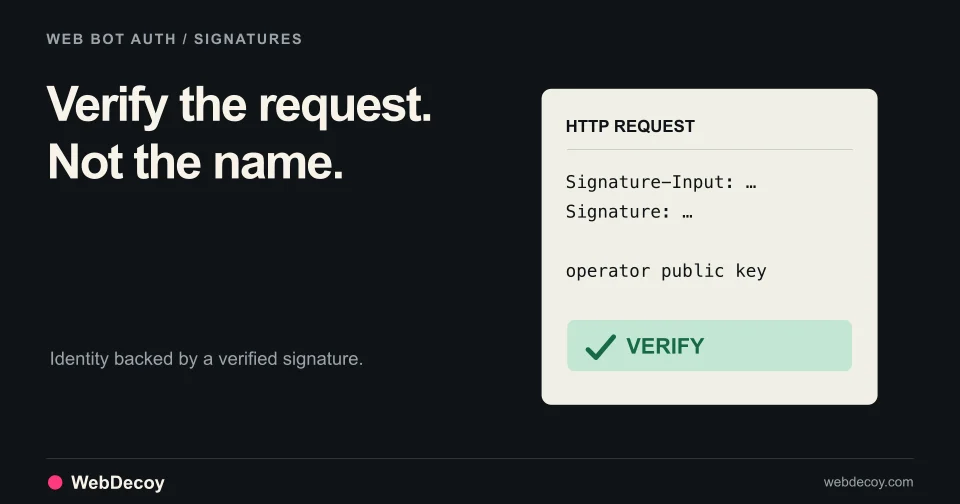
Google signs crawler traffic with Web Bot Auth (RFC 9421). What signed bots mean for detection, verified-bot allowlists, and how WebDecoy verifies them.
bot-detectionLike this post? Share it with your friends!
Get a personalized demo from our team.