
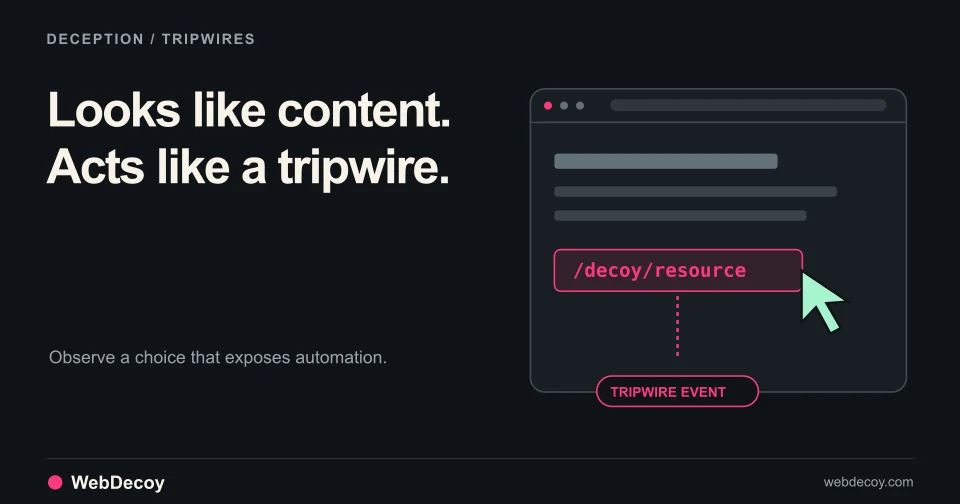
Tripwires: Catch the Scrapers Fingerprinting Misses
A deterministic, zero-false-positive way to stop stealth scrapers, built into the WebDecoy Node SDK. Runs entirely in your app, no account required.
bot-detectionBot Scanner Pro detects Stagehand, Browserbase, and Playwright with stealth plugins using behavioral analysis, deep fingerprinting, and two-phase detection.
Published · Updated
AI agents are coming for your website. Not the clumsy Selenium scripts from 2018. We’re talking about Stagehand, Browserbase, and Playwright with stealth plugins. Browsers built from the ground up to look human and evade detection.
Traditional bot detection is blind to them. We’re not.
Bot Scanner Pro is our enhanced detection script for catching AI browsers, using behavioral analysis, deep fingerprinting, and two-phase detection.
Let’s break down what we built, how it works, and why your current bot protection is probably useless against the new wave of AI agents.
Here’s the uncomfortable truth: Most bot detection was built for a different era.
Five years ago, headless browsers were obvious. They had missing APIs, detectable WebGL signatures, and predictable behavior. A few fingerprint checks caught 80% of bots.
That’s not the world we live in anymore.
Stagehand (by Browserbase) is an open-source framework specifically designed for AI agents to control browsers. It’s built to evade detection. The developers literally benchmark against bot detection tools.
Browserbase provides cloud-hosted browsers with residential proxies and anti-detection built in. They rotate fingerprints, simulate human behavior, and pass most bot checks.
Playwright with stealth plugins patches every known fingerprinting vector. Canvas, WebGL, audio context, all spoofed to look legitimate.
These aren’t script kiddies. These are production-grade tools used by AI companies, data brokers, and yes, attackers running credential stuffing at scale.
Your traditional bot detection misses many of them. That’s not protection. That’s a participation trophy.
Bot Scanner Pro uses a fundamentally different approach: behavioral analysis that can’t be spoofed combined with deep fingerprinting that catches software rendering.
Bots can fake fingerprints. They can’t fake being human.
We track every interaction on your page and analyze patterns that reveal automation:
Mouse Movement Analysis:
Click Behavior:
Scroll Patterns:
Here’s what a Bot Scanner Pro detection payload looks like when we catch a Stagehand bot:
{
  "detection_source": "bot_scanner_pro",
  "behavioral_signals": {
    "mouse": {
      "movement_count": 7,
      "linear_path_ratio": 0.89,
      "velocity_variance": 0.02,
      "grid_aligned_ratio": 0.71
    },
    "clicks": {
      "instant_click_ratio": 1.0,
      "no_pre_movement": true
    },
    "scroll": {
      "constant_velocity": true,
      "no_momentum": true
    }
  },
  "behavioral_score_adjustments": {
    "low_mousemove_count": 25,
    "linear_paths": 20,
    "constant_velocity": 15,
    "grid_aligned": 15,
    "instant_clicks": 30,
    "no_pre_movement": 25
  },
  "threat_score": 92,
  "verdict": "block"
}
That’s 130 points of bot signals from behavior alone. No fingerprint checks needed.
Stealth browsers spoof basic WebGL values. They don’t spoof everything.
Bot Scanner Pro extracts:
RENDERER and VENDOR stringsUNMASKED_RENDERER_WEBGL and UNMASKED_VENDOR_WEBGLHere’s what we catch:
| Signal | Score Impact | What It Means |
|---|---|---|
| SwiftShader renderer | +30 points | Software rendering (headless Chrome) |
| Mesa/LLVMpipe renderer | +25 points | Software rendering (CI environments) |
| No unmasked renderer | +15 points | Stealth plugin blocking the API |
| Missing standard extensions | +10 points | Incomplete browser implementation |
Real browsers on real hardware have real GPUs. Headless browsers run on servers with software rendering. We catch the difference.
{
  "webgl_fingerprint": {
    "renderer": "ANGLE (Intel, Mesa Intel(R) UHD Graphics 620, OpenGL 4.6)",
    "vendor": "Google Inc. (Intel)",
    "unmasked_renderer": "Mesa Intel(R) UHD Graphics 620",
    "extensions_count": 37,
    "signals": []
  }
}
vs.
{
  "webgl_fingerprint": {
    "renderer": "Google SwiftShader",
    "vendor": "Google Inc.",
    "unmasked_renderer": null,
    "extensions_count": 24,
    "signals": ["swiftshader_renderer", "no_unmasked_renderer"]
  }
}
The second one is headless Chrome. Caught.
Every GPU renders slightly differently. Bot Scanner Pro draws shapes, text, and gradients to a hidden canvas and generates a unique hash.
The catch? Software rendering produces different hashes than hardware rendering. And stealth plugins that try to randomize canvas output produce inconsistent hashes across requests, which is itself a detection signal.
This one catches even sophisticated stealth setups.
We create an OscillatorNode, run it through audio processing, and generate a fingerprint from the output. We also check baseLatency: a property that headless browsers often fail to implement correctly.
{
  "audio_fingerprint": {
    "fingerprint_hash": "a7b3c9d2e1f4...",
    "base_latency": 0.01,
    "signals": []
  }
}
vs.
{
  "audio_fingerprint": {
    "fingerprint_hash": "0000000000000000",
    "base_latency": null,
    "signals": ["zero_audio_fingerprint", "missing_base_latency"]
  }
}
Zero audio fingerprint = no audio hardware = headless browser. +35 points.
Here’s where Bot Scanner Pro gets clever.
Phase 1 (Immediate): On page load, we run all fingerprint checks and send initial signals to the API. This catches obvious bots instantly.
Phase 2 (5 seconds later): We collect behavioral data: mouse movements, clicks, scrolls, keystrokes, and send an update. This catches bots that pass fingerprint checks but fail behavioral analysis.
Why two phases? Because sophisticated bots can spoof static fingerprints. Faking 5 seconds of convincing human behavior is much harder.
Conceptually, the phase-two update carries counts like these (a simplified illustration, not the wire format):
{
  "time_on_page": 5.2,
  "mouse_events": 4,
  "click_events": 1,
  "scroll_events": 0,
  "keystroke_events": 0
}Bot Scanner Pro is the same simple deployment as our Lite version:
<script
  src="https://cdn.webdecoy.com/bot-detection/v1/bot-detection.min.js"
  data-aid="your-property-uuid"
  data-sid="your-scanner-uuid"
  async
></script>
That’s it. 16KB of JavaScript that runs silently, collects signals, and reports to our API.
The script is:
Every detection is recorded in your dashboard and can be sent to your webhook as it happens. Illustrative example (values made up; the shape follows the webhook docs):
{
  "event": "detection",
  "timestamp": "2025-12-03T14:23:45Z",
  "detection": {
    "id": "det_a7b3c9d2e1f4",
    "organization_id": "org_xyz789",
    "ip_address": "192.0.2.1",
    "user_agent": "Mozilla/5.0...",
    "bot_score": 87,
    "timestamp": "2025-12-03T14:23:45Z",
    "rules_enforced": false,
    "source": "bot_scanner"
  },
  "metadata": {}
}
The full detection, fetched by its id, carries the signals that fired. You decide what to do: block at your WAF, add friction in your own app, or flag for review. We give you the signals. You set the policy.
Most bot detection vendors are running the same playbook from 2019:
navigator.webdriverThat’s 5 minutes of work for a stealth plugin to bypass.
Stagehand, Browserbase, and Playwright stealth exist specifically because that approach doesn’t work anymore. The developers of these tools actively test against bot detection. Every fingerprint check you can think of, they’ve already patched.
Bot Scanner Pro wins because we’re not playing the fingerprint game. We’re analyzing behavior, and behavior is hard to fake at scale.
An AI agent can spoof a canvas hash. It can’t generate 200 natural mouse movements with realistic velocity curves while completing its task in under 5 seconds. The economics don’t work.
WebDecoy has a free plan and paid plans at $20, $99 and $299 per month. What each plan includes is on the pricing page. Enterprise bot management suites are typically sold on annual contracts through sales.
AI browsers aren’t going away. Stagehand has 10,000+ GitHub stars. Browserbase is backed by serious VC money. Every week, a new AI startup launches that needs to scrape the web.
Your options:
We built Bot Scanner Pro because the old approaches don’t work anymore. Behavioral analysis and deep fingerprinting aren’t optional. They’re the minimum viable defense against modern AI browsers.
Start free and deploy the detection script in under 5 minutes.
Have questions about catching specific AI browsers? Read our documentation or contact us directly.
Ready to catch the AI browsers your current solution misses?
Try WebDecoy Free | View Pricing | Read the Docs
For gaming and betting teams, browser automation evidence is useful at registration and login. Explore the gaming workflow to connect detection with server-side verification and account review.
A deterministic, zero-false-positive way to stop stealth scrapers, built into the WebDecoy Node SDK. Runs entirely in your app, no account required.
bot-detection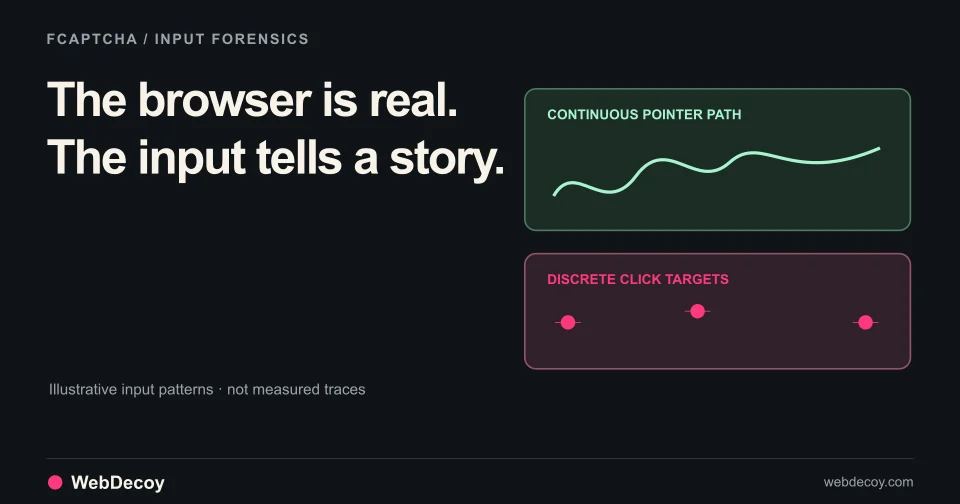
How FCaptcha v1.11 and v1.12 detect AI agents that drive real browsers, using CDP input forensics, think-time cadence, and declared-agent matching.
bot-detection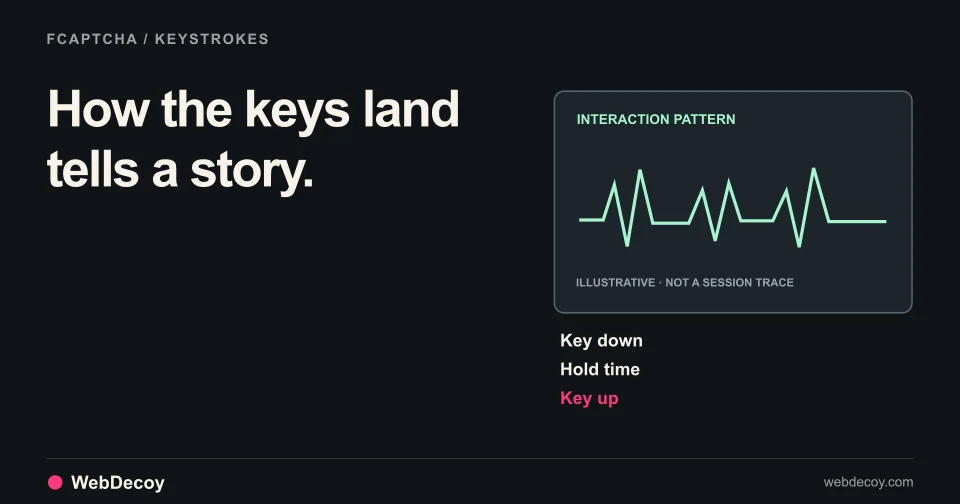
FCaptcha v1.3 adds 7 biometric keystroke metrics, Playwright detection, AI agent bypass fixes, and server-side PoW validation.
bot-detectionLike this post? Share it with your friends!
Get a personalized demo from our team.