
AI Protection beta: protect your AI routes in Next.js
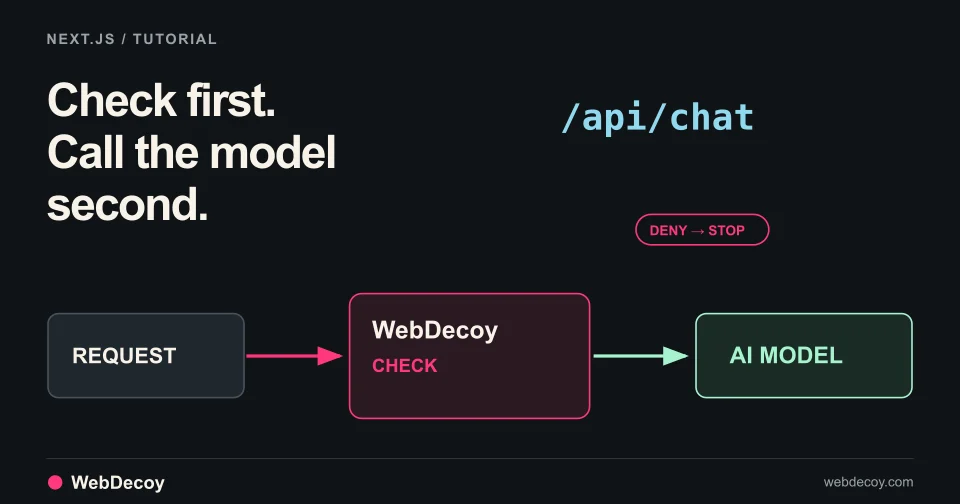
WebDecoy AI Protection is in public beta. Follow this tutorial to add a check in front of your Next.js chat route so denied requests never reach the model.
tutorialGEOMCP found 11 small issues across our site. Here are the real findings, the fixes, and how we verified them through an MCP client.
We built GEOMCP, an MIT-licensed MCP server that lets an AI assistant inspect technical GEO and SEO signals, return the evidence, and compare a page before and after a change.
Then we used it on our own site.
On October 17, 2026, we audited all 193 URLs in WebDecoy’s production sitemap through a real MCP client connected to the server over stdio. Every page returned HTTP 200. The initial audit found 11 pages with warnings.
Those warnings were small and concrete: missing accessible names on Markdown checklist controls, two skipped heading levels, a generic link label, and three pages without main-content links to another page on the same origin.
We fixed them, merged the implementation, and used the MCP again against production. All 11 original warnings cleared. That is a verified checklist improvement. We have not established an increase in rankings, AI citations, traffic, or signups from these changes.
The validation harness used the official TypeScript SDK’s client and stdio transport to start the built GEOMCP server. It listed the tools and called them through the protocol, rather than importing the audit function and treating that as an integration test.
The run exercised all five tools:
| Tool | What we checked |
|---|---|
audit_url | Server-delivered HTML and response context for each public sitemap URL |
audit_html | Controlled HTML fixtures and the locally built pages after our changes |
inspect_robots | Declared search, retrieval, and training policies for the Shopify page path |
inspect_sitemap | The sitemap index and its child sitemap |
compare_audits | Which check statuses improved, regressed, or changed coverage |
We also read the methodology resource, requested the included audit prompt, and confirmed that a request to a private metadata IP was rejected.
The public validation summary contains the page findings and controlled-test results. The repository includes a repeatable validation script.
| Finding | Affected pages | What we changed |
|---|---|---|
| Unnamed checklist controls | Five blog articles | Generate accessible names from the adjacent Markdown task text |
| Skipped heading levels | Glossary and State of Bots report | Use an H2 for the glossary call to action and introduce the report’s charts with an H2 |
| Generic link label | Features | Replace “Learn More” with “Explore AI Analytics” |
| No same-origin links in main content | Contact, FCaptcha demo, and crawler verification tool | Add contextual links to relevant features, guides, and reports |
The five articles contained disabled checkboxes generated from Markdown task lists. These were article checklists, not signup forms. The visible text explained each task, but the checkbox did not have a programmatically associated accessible name.
We added a Markdown rendering plugin that derives each checkbox’s accessible name from its adjacent text. It includes inline code in the name, keeps existing authored names, and avoids absorbing the text of nested lists.
For example, a checklist item about verifying Googlebot now gives its checkbox that same task description as an accessible label. The fix applies to future checklists as well as the five articles in this audit.
The Features page had a link labeled “Learn More” that led to AI Analytics. We changed it to “Explore AI Analytics.” Readers can now understand the destination from the link itself.
That is a useful accessibility and navigation improvement. We are not claiming that changing two words produces a measurable ranking gain.
Three pages had no links from their main content to another page on webdecoy.com. Header and footer navigation still existed, and some main-content links went to GitHub, the app, or our documentation subdomain.
This was an opportunity to help a reader take a relevant next step. It was not proof that the pages could not be indexed.
We added links that fit the task: features and pricing from Contact, false-positive guidance from the FCaptcha demo, and agent identity and crawler research from the verification tool.
Our first comparison output called an unchanged unknown result a “coverage change.” A check that was unavailable before and remained unavailable after had not changed coverage.
We fixed that behavior and added a regression test. Comparisons now separate unchanged unknowns from genuine coverage changes, improvements, and regressions.
We also added the flagged link’s URL and label to the audit facts. A warning that says “one generic link” is easier to act on when it identifies the link.
First, we built the site and passed the affected HTML files to audit_html. We compared them with the original reports, keeping unavailable HTTP checks separate because offline HTML does not establish response status or headers.
All 11 original warnings cleared, and the comparisons reported no regressions on those pages. The broader site checks also passed: 193 production sitemap URLs retained, zero built-site SEO errors or warnings, and successful content and artwork validation.
After merging, we waited for the public deployment and called audit_url on all 11 affected pages. Each original warning had changed to pass on the live site.
The first run gave 182 pages a score of 100. That tells you something about the coverage of this particular checklist, not that those pages are perfect.
GEOMCP currently checks 26 signals across discovery, structure, semantics, media, links, evidence, and delivery. It does not run a browser, measure Core Web Vitals, validate every claim against its sources, check every linked destination, or query AI services to see whether they cite a page.
Use the evidence to decide whether a recommendation fits the page. Keep measurements of actual referrals, citations, connected sites, and signups separate from audit scores.
Install GEOMCP and explore the recorded demo. It runs locally, needs Node.js 22 or newer, and does not require an API key or a WebDecoy account.
Ask your assistant:
Audit my landing page with GEOMCP. Show the three most useful fixes and the observed evidence for each. Keep unknowns separate from failures.
After making a change, ask it to re-audit and compare the reports.
If your next question is who is actually visiting your site, watch WebDecoy’s controlled bot-detection demo. It shows real client-scanner evidence from an automated browser trial and explains what that evidence can establish.
WebDecoy AI Protection is in public beta. Follow this tutorial to add a check in front of your Next.js chat route so denied requests never reach the model.
tutorial
Use WebDecoy with React and Express to observe crawler requests, verify reporting, and inspect detections while keeping your site in monitor mode.
tutorial
Set up WebDecoy in Next.js monitor mode, verify your installation, and inspect bot and AI crawler detections without blocking visitors.
tutorialLike this post? Share it with your friends!
Get a personalized demo from our team.