
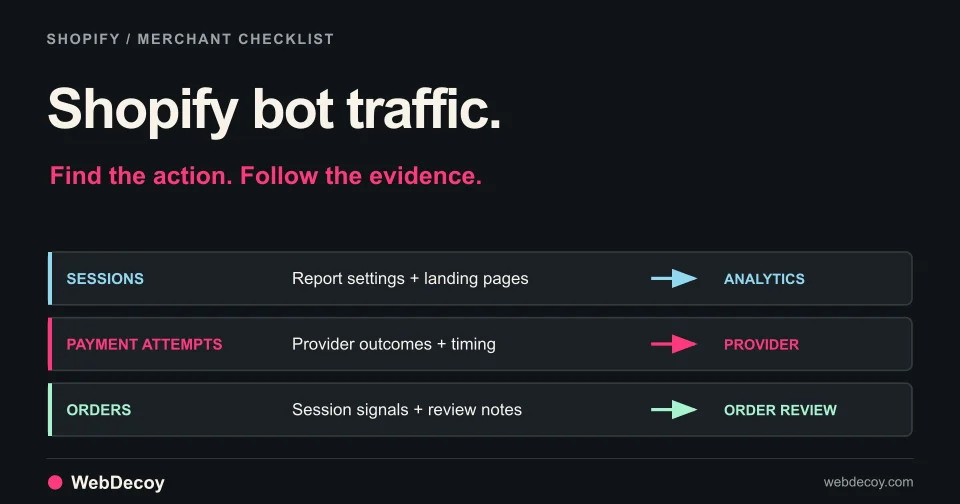
Shopify Bot Traffic: What to Check Before Blocking
Investigate Shopify bot traffic, fake abandoned checkouts and suspicious orders. Use a practical worksheet, native reports and a verified WebDecoy setup.
tutorialCheck cache headers, origin requests and browser signals to explain missing bot logs. A practical coverage audit for WordPress behind Cloudflare.
A crawler can fetch a page from your domain without that page request reaching WordPress. If Cloudflare answers from cache, a PHP plugin has no opportunity to inspect that request at the origin.
That explains one common mismatch between edge traffic and a WordPress detection log. It does not explain every mismatch. Here is a small audit you can run on your own site before changing your bot policy.
| Observation point | What to check | What it cannot establish alone |
|---|---|---|
| Edge | Hostname, path, time, response and cache status | Whether WordPress ran |
| Origin access log | Whether the matching request arrived | Whether the plugin logged it |
| WordPress detection log | Recorded signals and configured actions | Every request to the domain |
| Browser analytics | Events sent by executing JavaScript | Requests from clients that never execute that script |
Pick one public URL you own. Record the UTC time and request it with a normal GET, saving the response headers and discarding the body:
curl --silent --show-error --dump-header headers.txt \
  --output /dev/null 'https://your-site.example/a-public-page/'
cat headers.txt
Replace the example URL with your own. This sends an ordinary request; it is not an attack simulation or a test of detection accuracy.
Cloudflare documents CF-Cache-Status: HIT as a response served from cache. MISS means the resource was not found there and was served from the origin. Other values describe different paths; use the official cache-status definitions when interpreting them.
Match the request against your origin access log. A MISS alone still does not prove that WordPress PHP executed: a static file or another origin cache may answer first. Worker logic can also change the path. If the header is absent, inspect your deployment rather than guessing the result.
Do not disable caching across the site to make two dashboards agree. Identify the route whose visibility or protection you actually need.
Once you know the request reached WordPress, inspect the plugin’s mode, logging conditions and retention window. A detection log may intentionally contain only selected events.
For WebDecoy, use the installation verification guide and your installation’s own canary URL. Start in monitor mode and correlate the test with the recorded path and time. Our WordPress walkthrough includes a controlled demonstration of the detection and response flow.
Test ordinary browsing, login and any relevant checkout or form separately. A recorded canary event verifies that tested path; it does not establish coverage of every endpoint.
A browser tag only reports when its code executes. An HTTP client can retrieve HTML and leave without sending a browser event. Our coverage reference explains where each installation observes requests.
If you need visibility before WordPress, deploy a sensor on the relevant edge route. WebDecoy’s Cloudflare edge sensor setup covers that installation and its reporting check. Confirm the proxied hostname and route match your traffic. Cloudflare Worker usage and applicable charges belong in that setup decision.
Reporting and enforcement are separate choices. Review the signals before enabling a response policy. A crawler user-agent is a claim; verify identity before treating it as a trusted search crawler.
A crawler fetching an article and a person arriving from an AI answer are different events. Seeing the first does not prove the second happened, or that your article was cited. Keep observed AI referrals separate from crawl counts.
For an investigation, save the hostname, UTC window, route, cache status, origin arrival and detection result. That gives you evidence to act on even when dashboard totals differ.
Install WebDecoy for WordPress to inspect activity that reaches the plugin. It runs locally without a cloud account. If cached pages or non-JavaScript crawlers are the missing piece, review the Cloudflare installation as well.
Start with one route and prove it is reporting. Then extend coverage to the pages and actions that matter to your site.
The tools observe different request paths. A cached response or an edge block may prevent a request from reaching WordPress. Plugin logging thresholds and browser JavaScript execution also affect which events appear.
No. Check that the request reached the plugin and met its logging conditions. Use a controlled test on your own site, then inspect the matching time, path and response.
Investigate Shopify bot traffic, fake abandoned checkouts and suspicious orders. Use a practical worksheet, native reports and a verified WebDecoy setup.
tutorial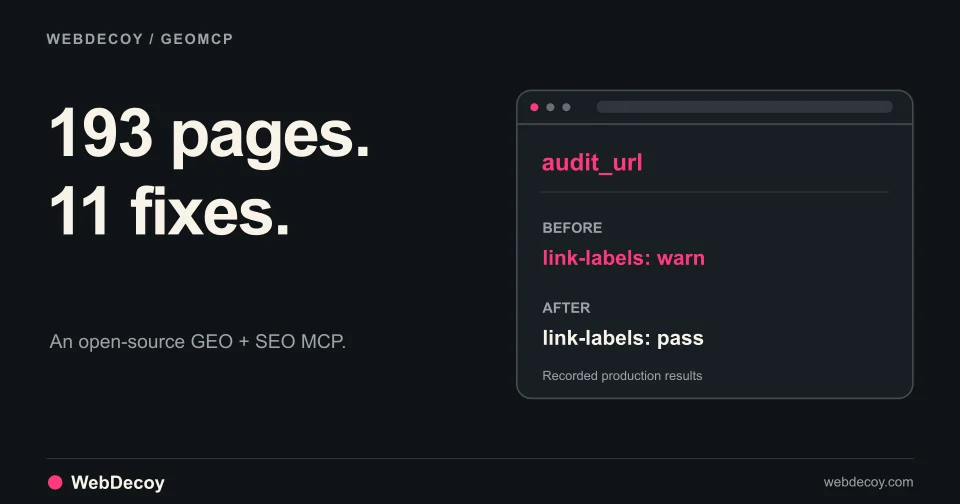
GEOMCP found 11 small issues across our site. Here are the real findings, the fixes, and how we verified them through an MCP client.
tutorial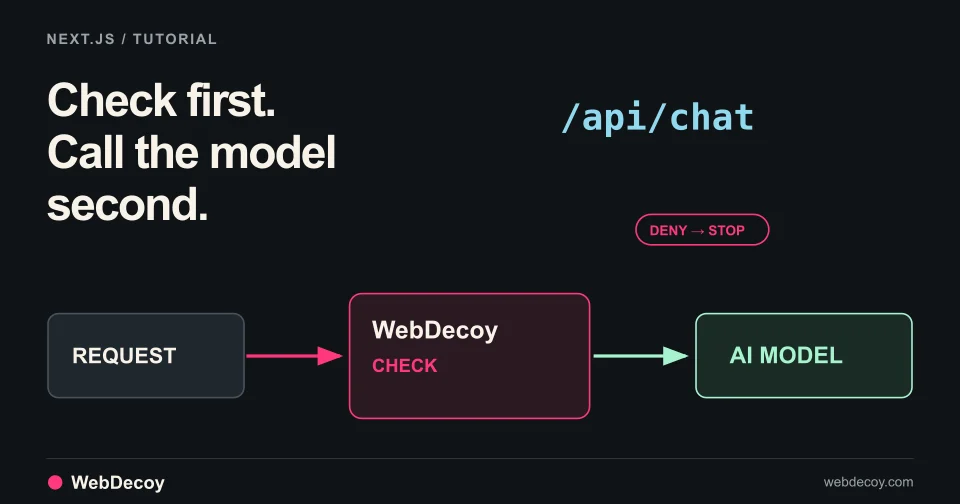
WebDecoy AI Protection is in public beta. Follow this tutorial to add a check in front of your Next.js chat route so denied requests never reach the model.
tutorialLike this post? Share it with your friends!
Get a personalized demo from our team.