
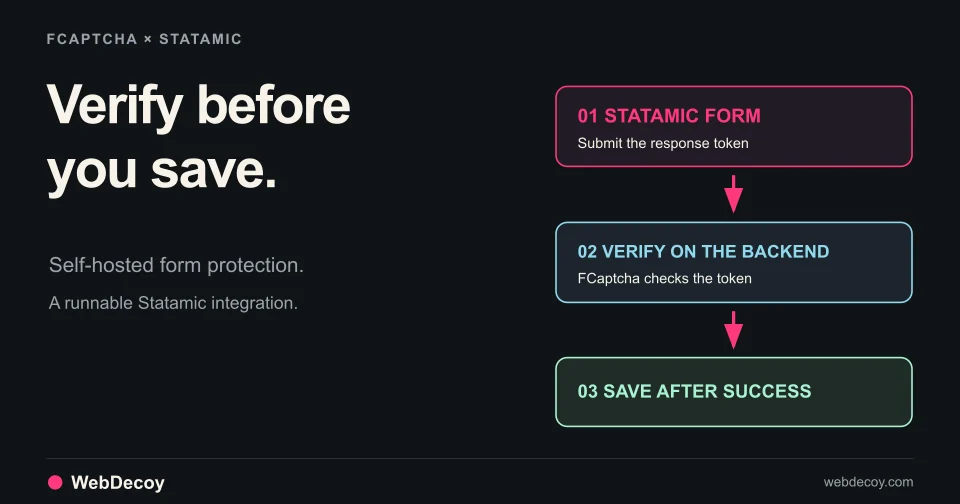
Protect Statamic Forms from AI Bots with FCaptcha
Add FCaptcha to a Statamic contact form with the existing Captcha addon. Download a runnable example and reproduce eight backend verification checks.
tutorialSee AI crawler counts and bot identity evidence in WordPress with WebDecoy. Learn what the local dashboard shows, what it misses, and how to start.
Which AI bots are visiting your WordPress site—and how much confidence should you place in their names?
You can start answering that inside WordPress. The free WebDecoy plugin shows local counts of recognized crawlers and AI agents, separates their categories, and distinguishes verified identities from claims where verification is available. No WebDecoy account or API key is required for that local view.
This walkthrough covers the crawler-counting feature available in WebDecoy 2.11.1. Its purpose is to help you understand the activity reaching WordPress before choosing a response.
| Question | What to inspect | What it tells you |
|---|---|---|
| Who is visiting? | Bot name, operator and category | Which recognized clients are appearing |
| How often? | Dashboard summary and per-bot counts | The volume observed during the displayed window |
| How certain is that identity? | Verified, claimed or failed | What evidence supports the name |
A high count is a reason to investigate. It does not establish an attack, a unique visitor count, or a model citation.
In Plugins → Add New, search for WebDecoy, install it and activate it. You can also open the WordPress.org listing and download the plugin.
Keep monitor mode enabled while you check ordinary browsing, forms and checkout. Monitoring lets you inspect detection activity before choosing blocking behavior.
The local crawler counters work without connecting WebDecoy Cloud. You do not need to create an account simply to see the recognized bot traffic reaching your WordPress installation.
Look at the WebDecoy widget in your WordPress dashboard. Its bot summary covers the last 24 hours, with AI crawlers and agents separated from other recognized bots and the busiest clients shown by name.
Allow time for actual traffic to arrive. An empty summary can mean no recognized crawler reached PHP during the window; it does not establish that nothing fetched your site.
Open WebDecoy → Statistics for the last-seven-days breakdown. Inspect each recognized bot’s operator, category and verification counts.
The categories distinguish activities such as AI training crawling, AI search crawling, AI agents and search crawling. Read those labels as descriptions of the recognized client. They do not reveal what happened inside an AI provider after a fetch.
The local counter stores a number per hour, agent and verification state. It does not store a page-by-page crawl history, IP address or user-agent string in those counters. Detection logs are a separate feature with their own fields and retention.
A user-agent name is easy to copy. WebDecoy uses three states in the local crawler view:
Most AI crawler names in the local plugin are claims, rather than verified operator identities. Do not silently upgrade a familiar label into proof.
If Cloudflare or another reverse proxy sits in front of WordPress, review Client IP / Reverse Proxy settings. The plugin needs reliable visitor-address context for address-based verification. An unreliable proxy address is not a sound basis for calling a crawler fake.
WordPress sees requests that reach its PHP execution path. A page served by a CDN or full-page cache before PHP runs can bypass local counting. A crawler that never runs JavaScript can also be absent from browser analytics.
Compare the same time window across the layers you have: CDN logs, origin logs and WordPress. Our cache-coverage checklist walks through that investigation.
For visibility into requests served at the edge, choose a supported WebDecoy edge integration. Keep your existing Cloudflare protection in place; the goal is to understand what each collection layer can observe.
An AI crawler requesting a page is one event. Someone following a link from an AI assistant to your site is another.
The local WordPress crawler summary answers who appeared and how often. For page-level AI crawling and observed referrals from platforms such as ChatGPT, Claude, Gemini and Perplexity, use WebDecoy AI Traffic with the relevant cloud connection and collection coverage.
Missing referral attribution stays missing. A crawl does not prove a citation, and an observed referral count does not reveal every visit that began in an AI product.
You may want a crawler to read public articles while limiting repeated requests to expensive routes. Your site may also need protection against spam, login abuse or WooCommerce card testing. Those decisions should follow the activity and identity evidence available to you.
Install WebDecoy for WordPress and open the local bot summary. Start with three questions: who visits, how often, and what supports the identity?
Implementation reference: WebDecoy’s local crawler counters. Local counters, cloud analytics and browser analytics have different coverage; choose the view that answers your question.
Yes. The free WebDecoy plugin records local counts of recognized bots and AI crawlers, with a dashboard summary and per-bot Statistics breakdown. It needs no WebDecoy account or API key for these features.
No. Local counts cover recognized agents on requests that reach WordPress PHP. Pages served before PHP are not counted, and clients without a recognizable identity can remain unidentified.
No. A crawl is a request, not evidence of a citation or a referred visitor. WebDecoy Cloud separately reports observed AI referral visits when the collection setup provides attribution.
Add FCaptcha to a Statamic contact form with the existing Captcha addon. Download a runnable example and reproduce eight backend verification checks.
tutorial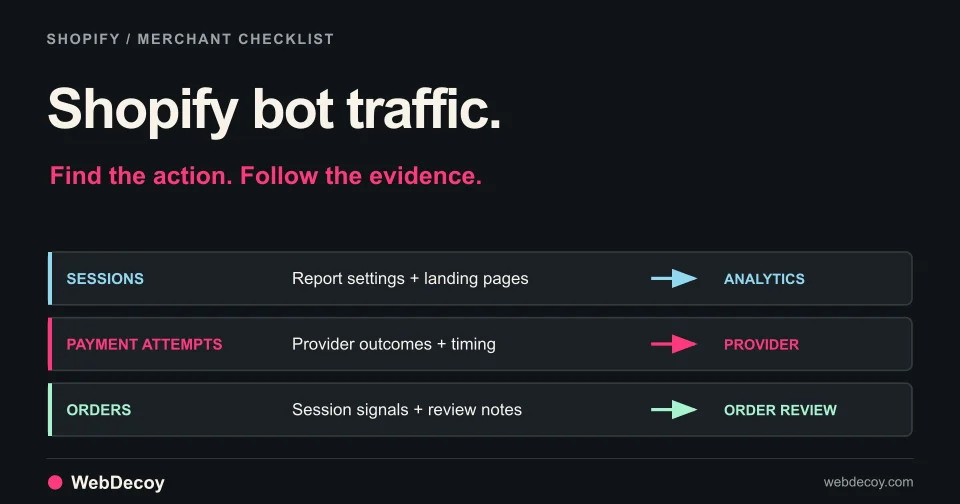
Investigate Shopify bot traffic, fake abandoned checkouts and suspicious orders. Use a practical worksheet, native reports and a verified WebDecoy setup.
tutorial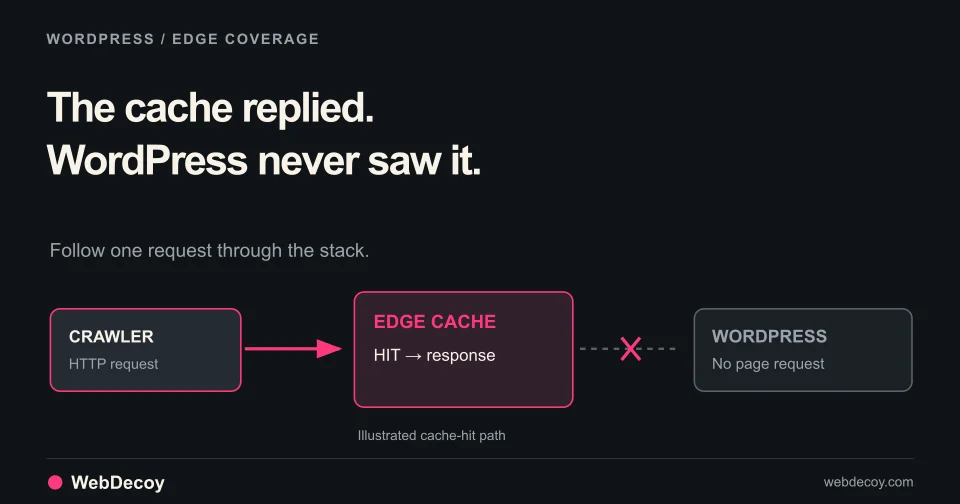
Check cache headers, origin requests and browser signals to explain missing bot logs. A practical coverage audit for WordPress behind Cloudflare.
tutorialLike this post? Share it with your friends!
Get a personalized demo from our team.